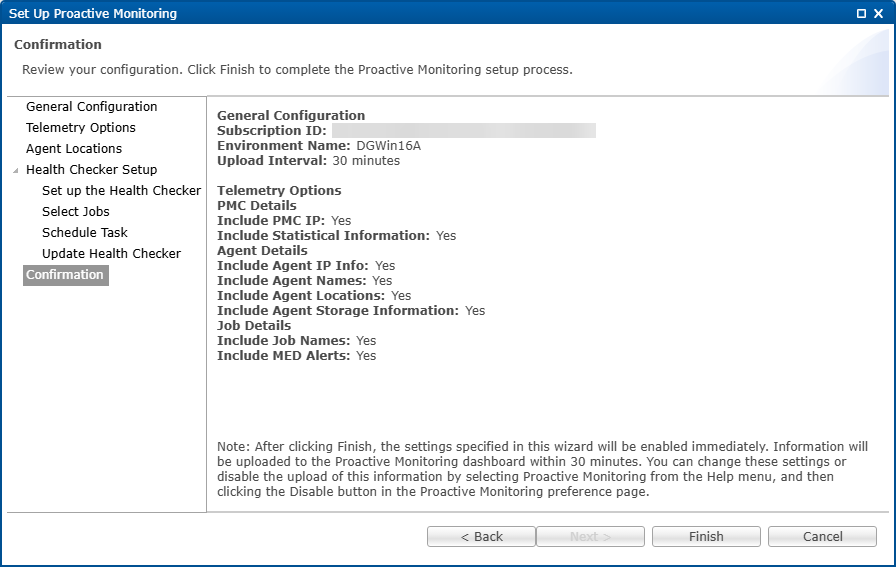
The Confirmation page displays a summary of the settings you have selected.
1.Review the configuration.
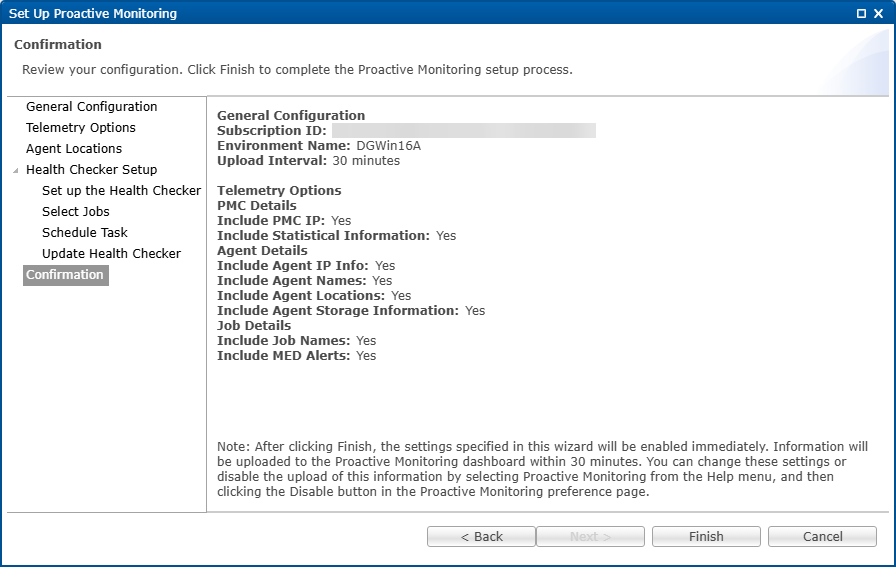
2.Click Finish to complete the setup.
The settings are displayed in the Telemetry preferences page.
Note: If you modified the location of an Agent, you will be prompted to restart the Agent. Click Restart Later if you do not want to restart the Agent services because you have other jobs running; otherwise, click Restart Now.
3.Click Apply to save your changes.
4.Notify your Peer Software Technical Account Manager that the setup of Proactive Monitoring is complete.