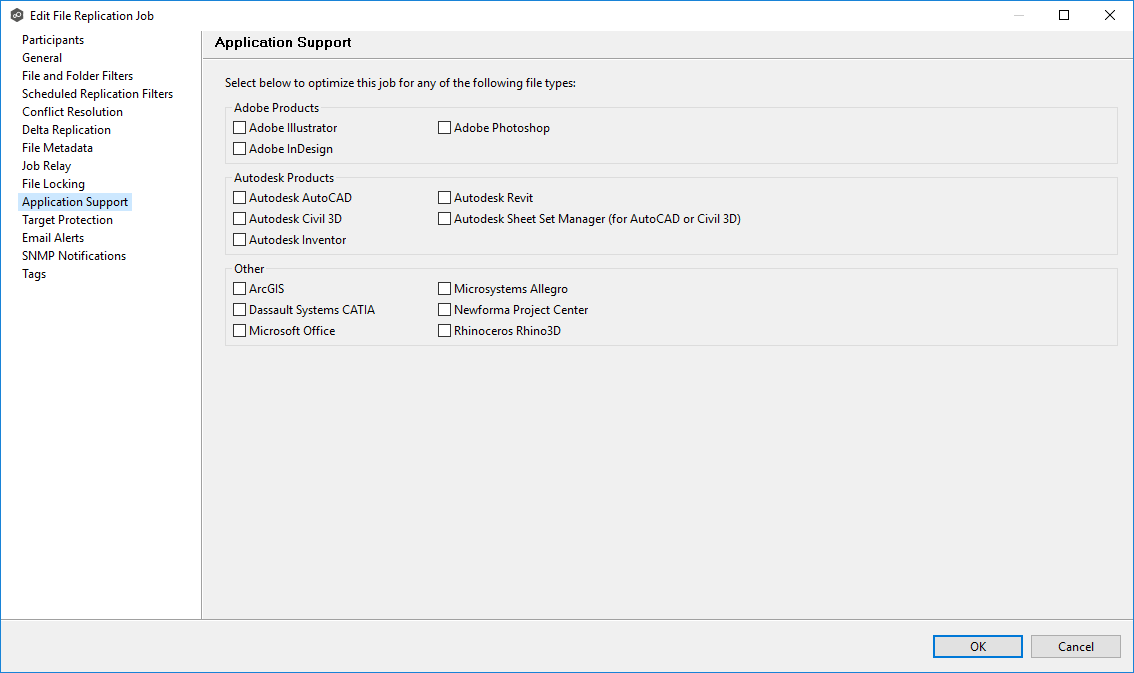
Application Support enables automatic optimization of a file replication job for files created by certain applications. Optimization is applied automatically to all watch sets for all participants in the job.
The Application Support page appears only when the SMB protocol is selected. This page provides options specific to SMB-based environments, such as support for Microsoft applications that maintain file locks or open handles. If you select NFS or Multi-Protocol, the page does not appear because these protocols do not use SMB-specific application support features.
The Application Support page lists file types for which Peer Software has established best practices. These best practices may include filtering recommendations, prioritization of specific file types, and configuration of file-locking behavior. However, if an application is not listed, this does not necessarily mean it is unsupported. For details about how a specific application is optimized, contact Peer Support.
To configure application support options for a file replication job:
1.Select the applications to be optimized.
2.Click OK to close the Edit wizard or select another configuration item to modify.