The Preferences dialog enables you to configure global settings, as well as settings specific to a job type. Before creating any jobs or configuring individual aspects of a job, Peer Software recommends first configuring a number of settings. Some settings are global and apply program-wide and/or to all job types; others are specific to a job type.
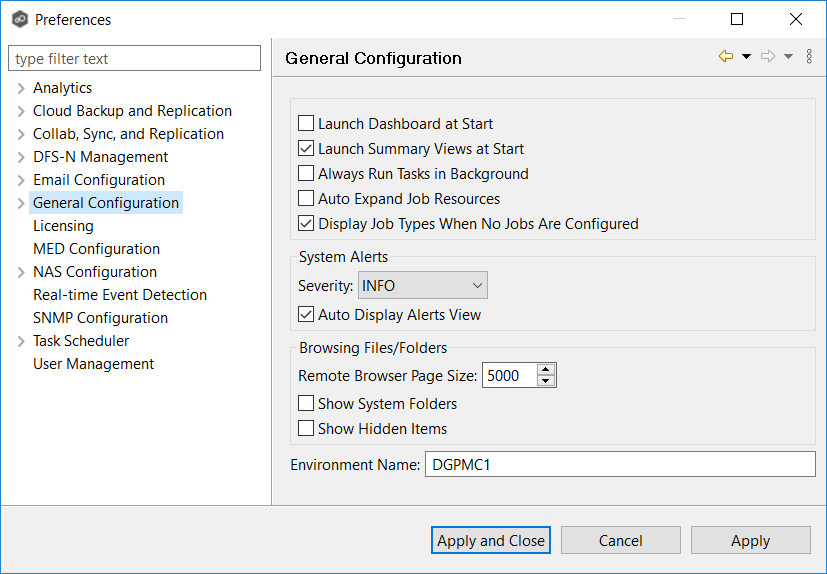
Configuring Global Settings
Peer Software strongly recommends configuring the following settings before creating any jobs:
•Contacts and Distribution Lists
•System Alerts
Modify other global settings as needed. You may want to consult with Peer Software Technical Support when modifying the other global settings.
Configuring Job Type Specific Settings
Job Type |
Setting |
|---|---|
Cloud Backup and Replication |
|
File Collaboration, File Replication, and File Synchronization |
|
DFS-N Management |