These settings control reporting intervals and display options for Cloud Backup and Replication jobs.
To configure these settings:
1.Select Open Preferences from the Tools menu.
2.Select Cloud Backup and Replication in the navigation tree.
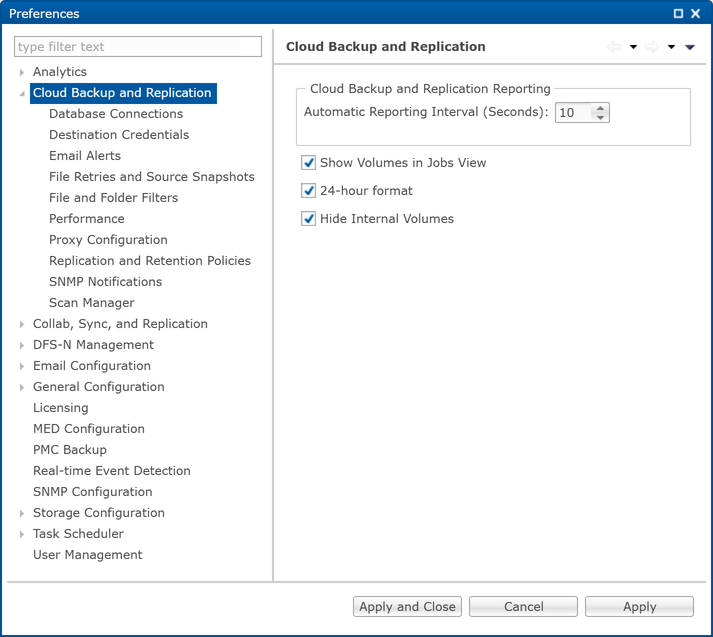
3.Modify the settings as needed.
Option |
Description |
|---|---|
Automatic Reporting Interval (Seconds) |
Each Peer Agent automatically reports its statistics for Cloud Backup and Replication jobs to Peer Management Center at regular intervals. Select the number of seconds between these intervals. The default is 10 seconds. |
Show Volumes in Jobs View |
Select this checkbox if you want volumes to be displayed in the Jobs view. |
24-hour format |
Select this checkbox if you want times to be displayed in a 24-hour format rather than a 12-hour format. |
Hide Internal Volumes |
Select this checkbox if you don’t want internal volumes displayed when choosing which which volumes to use in Cloud Backup and Replication jobs. |
4.Click Apply to save your changes.